First-Then
A simple visual first-then board that helps learners understand basic contingencies by showing what needs to happen first and what becomes available next.
← Back to Apps & ToolsUsing First-Then
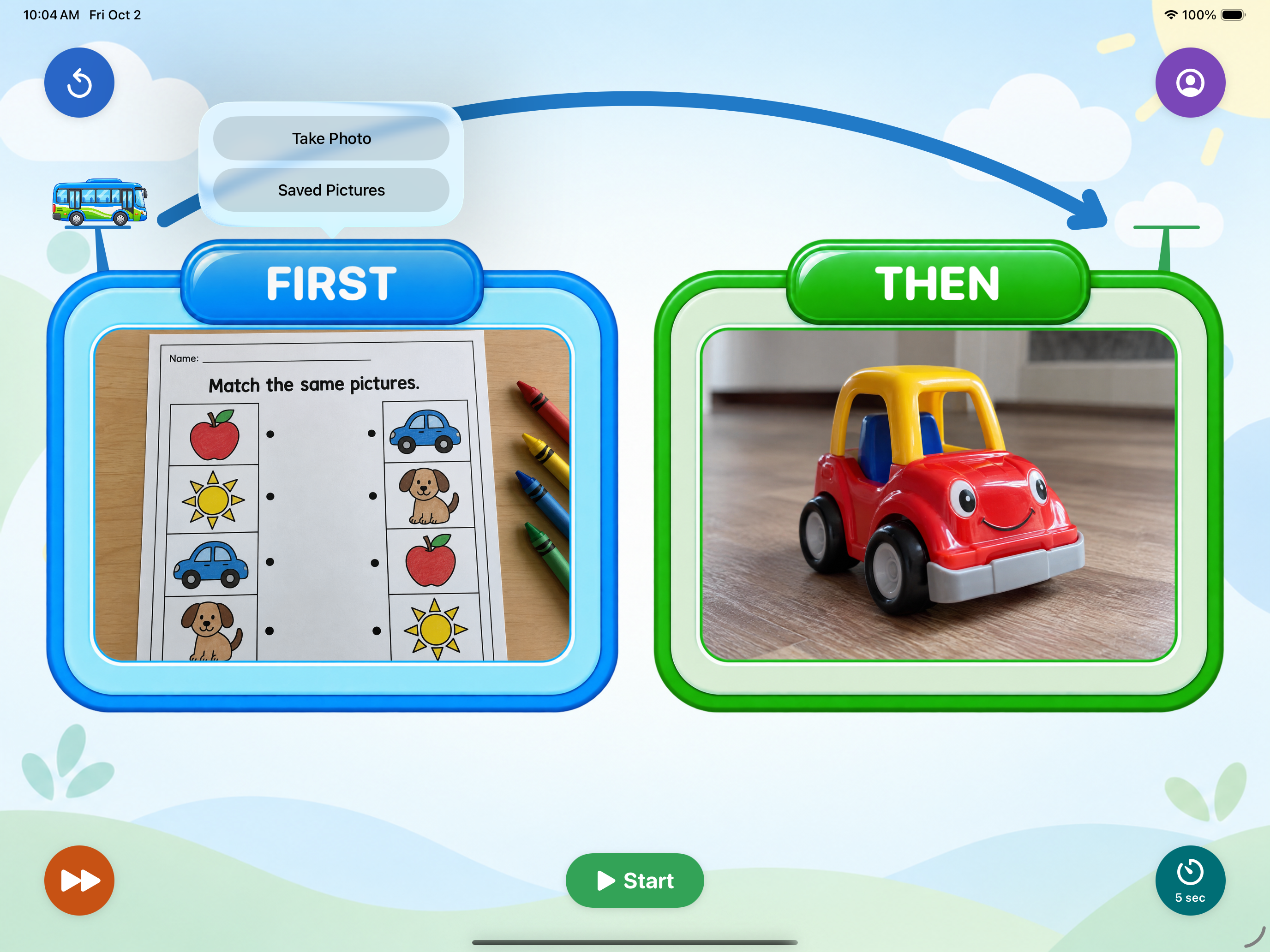
Select First
Choose the task the learner needs to complete. First should always represent the required academic, household, or chore-related task. The image can be added by taking a picture directly in the app or by selecting an existing image from the First-Then library.
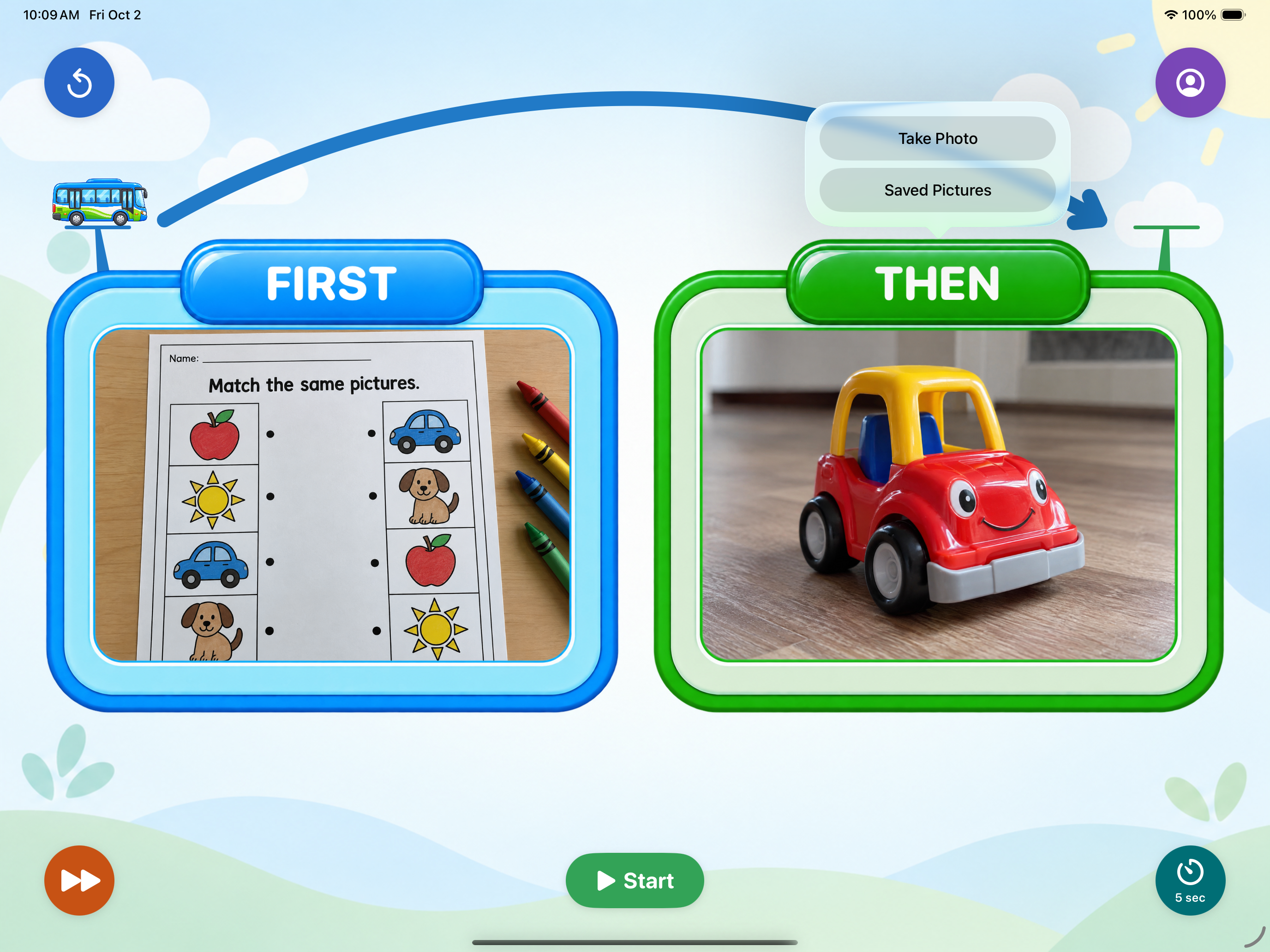
Select Then
Choose what the learner is working for. Then should always represent the preferred item, activity, or reinforcer that follows completion of the First task. The image can be added by taking a picture directly in the app or by selecting an existing image from the First-Then library.
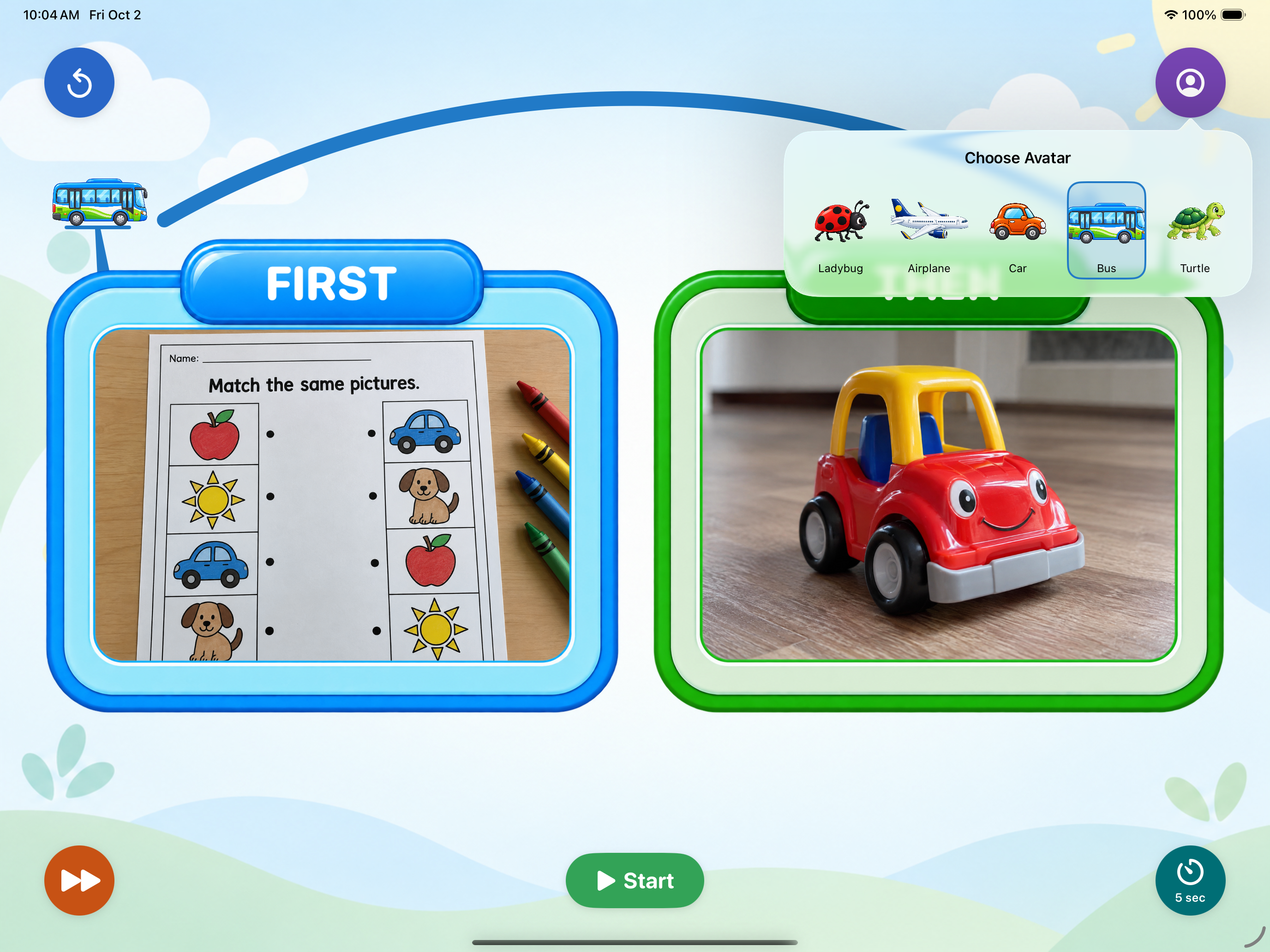
Select an Avatar
Choose the avatar that will move through the First-Then sequence.
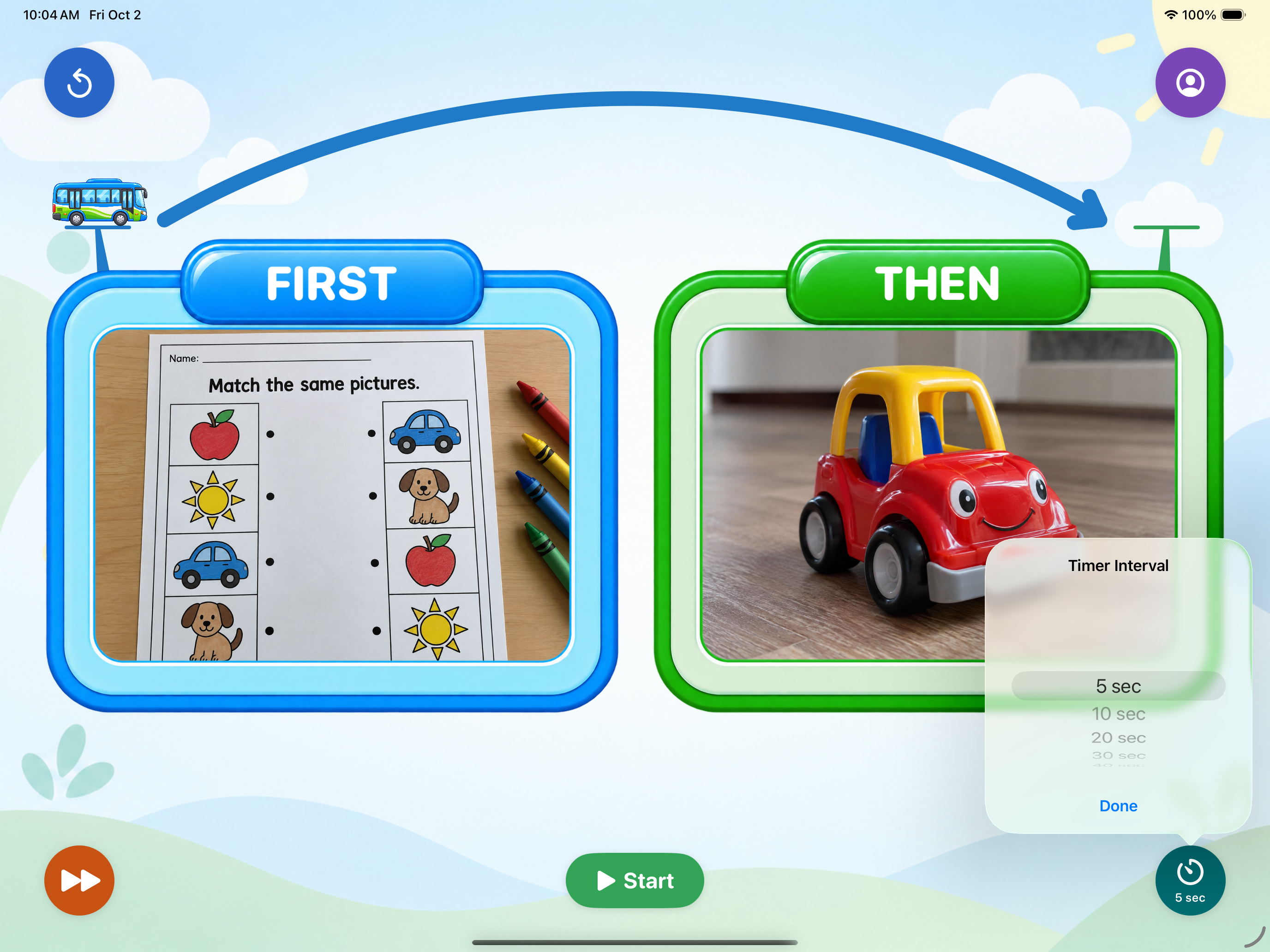
Select the Interval
Choose the interval used for the progression.
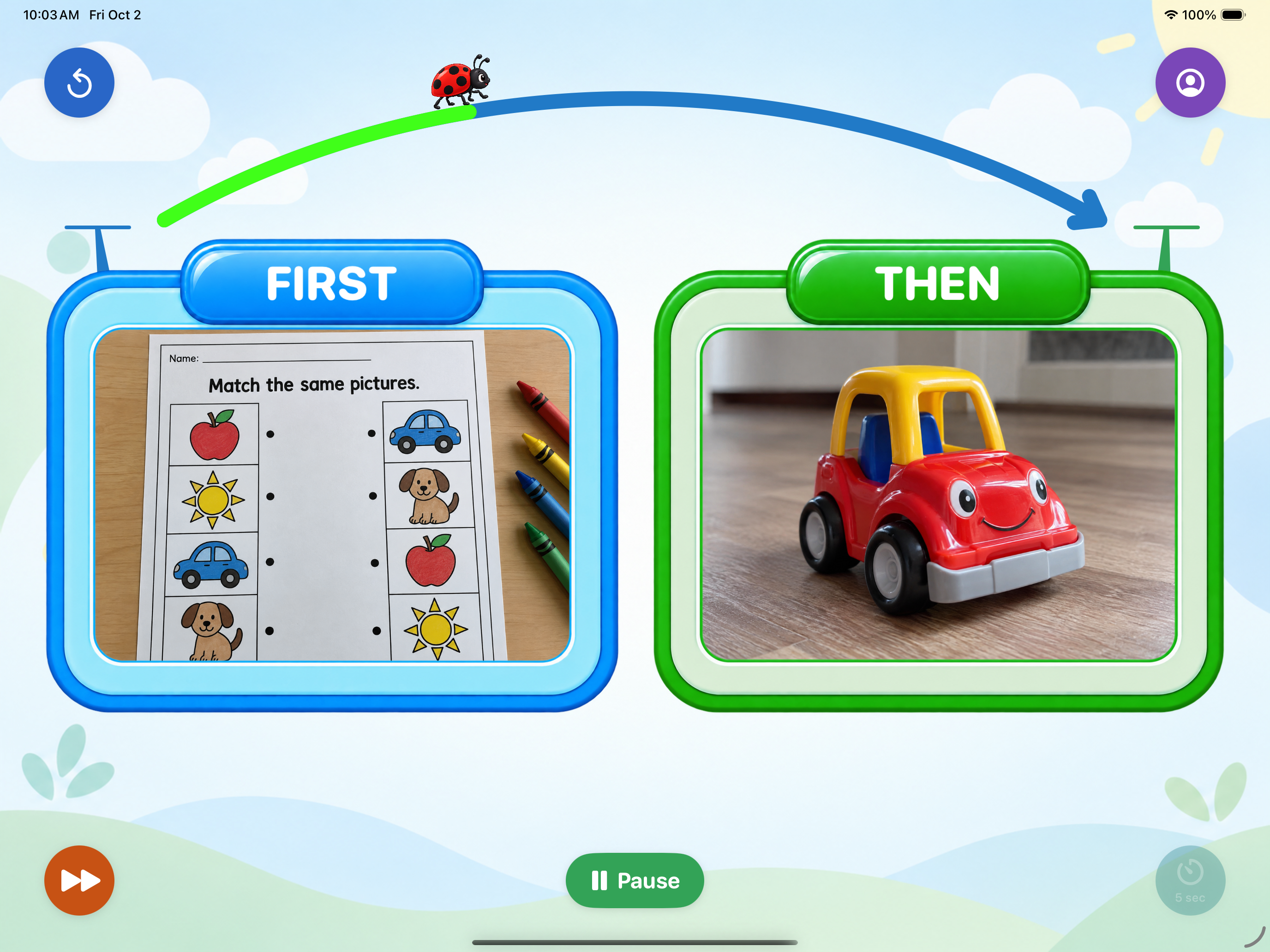
Follow the Progress
As time progresses, the avatar moves along the arched arrow toward the item or activity shown in Then, allowing the learner to see both their progress and what they are working toward.
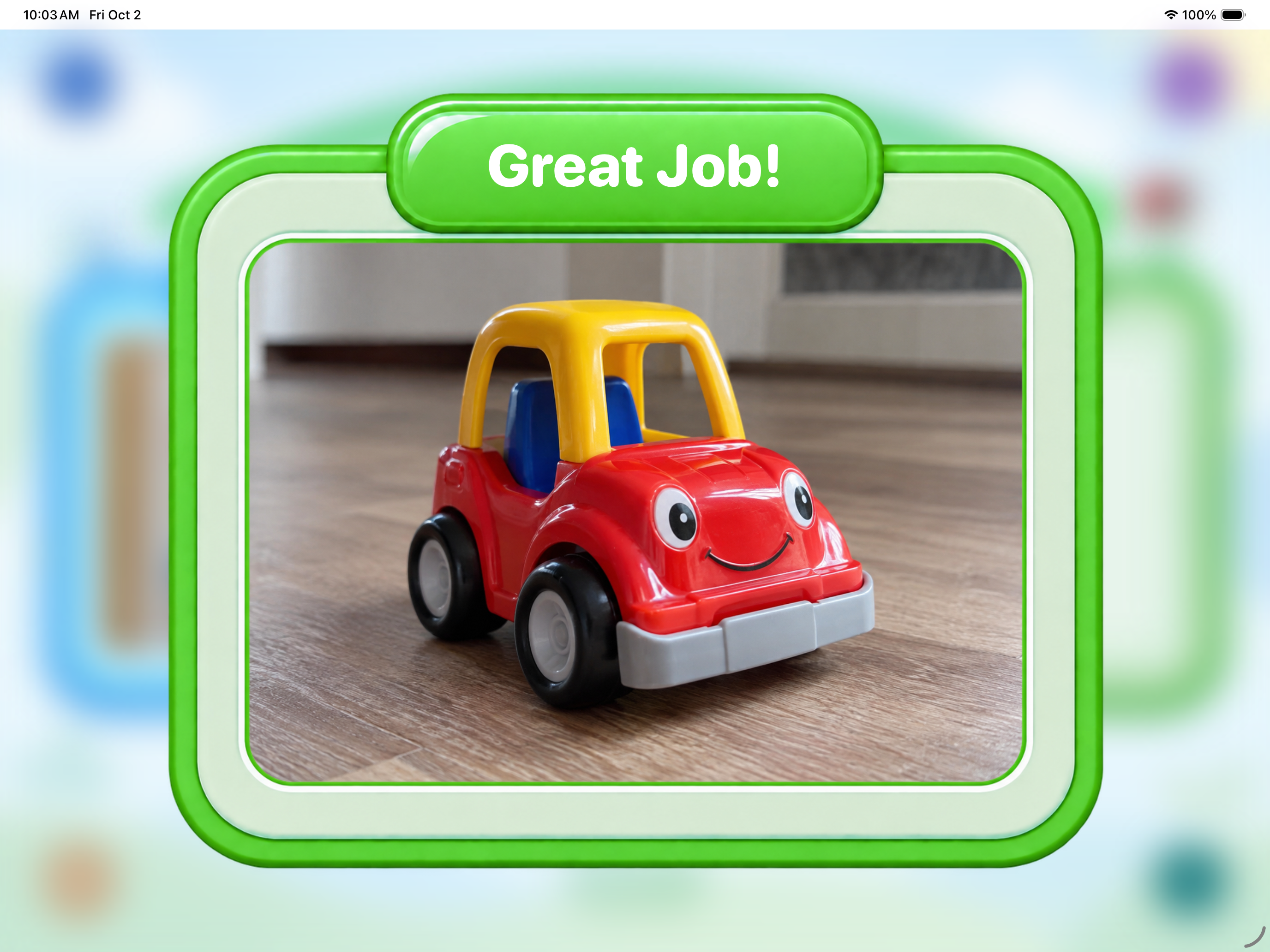
Reach Then
When the avatar reaches the goal, the Then image zooms in to indicate completion and access to the selected item or activity.
Support: Questions, feedback, or technical issues? contact@abanyc.org · Contact form